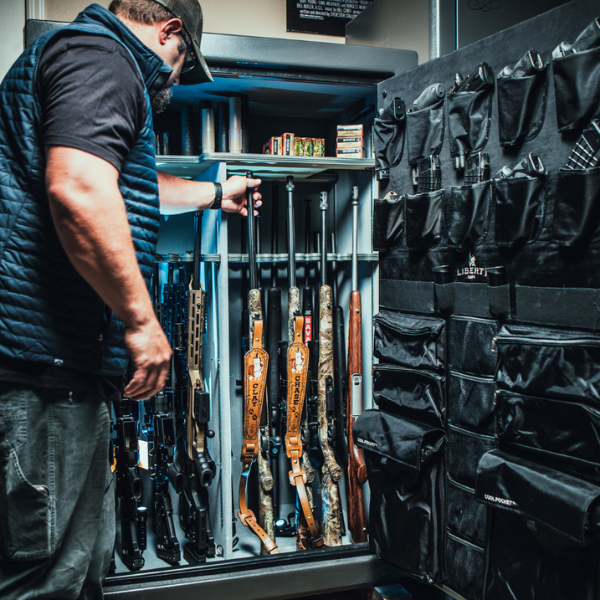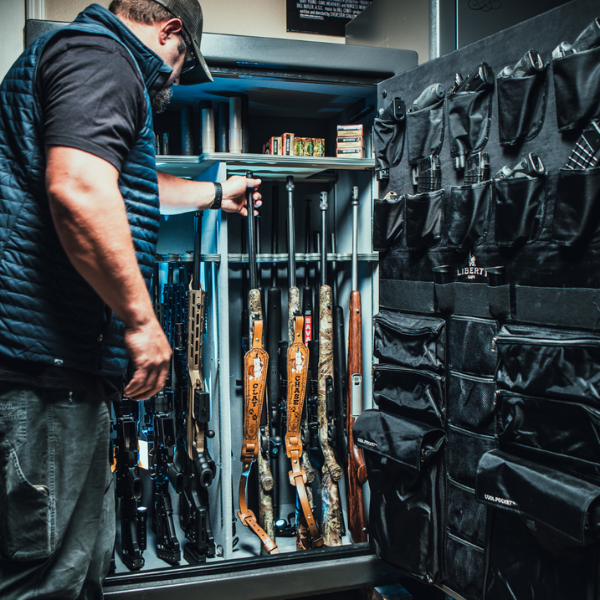

Recording Your Safe Contents in Wendell: Inventory for Peace of Mind
A simple inventory lets you readily verify what you own—and easier to keep it organized
If you’ve invested in a quality safe, you’re already thinking ahead. The next step is just as practical: documenting what’s inside. A well-organized, current inventory helps you keep track of valuables, confirm important details (like serial numbers), and streamline insurance claims documentation if you ever need it. This walkthrough lays out a straightforward system you can do in an afternoon—then maintain in minutes per month.
Why “safe inventory” counts (even if you never need to file a claim)
Most people recall their big-ticket items, but the details that really matter during an insurance claims process are often forgotten: exact model numbers, purchase dates, special features, appraisals, and proof-of-ownership. A thorough contents documentation process does three things effectively: 1) Speeds up reporting: You can provide a ready list rather than rebuilding it together from memory. 2) Improves accuracy: Serial numbers, receipts, and photos aid identification and valuation. 3) Enhances organization: You’ll see what you have, what needs maintenance, and what no longer belongs in the safe. Numerous insurers and risk-management resources recommend a home inventory approach—photos/video plus a written list—because it helps you document personal property and minimizes hassle if you need to file a claim. (For general guidance on claims documentation and keeping receipts, FEMA also highlights gathering policy information and saving receipts related to repairs/replacement.)
What to document: the “3 layers” of contents documentation
A strong inventory is more than a list of items. Think in layers so your records remain useful even if one item goes missing.
Layer 1: A written inventory (spreadsheet or app)
Record item name, brand, model, serial number (when available), purchase date, purchase source, and estimated replacement value.
Layer 2: Photo/video proof (fast, high-value)
Capture wide shots that show “what is it,” and close-ups that show “what exactly is it” (labels, markings, unique identifiers). A short walkthrough video can capture a lot in little time.
Layer 3: Supporting documents (receipts, appraisals, warranty)
Upload photos or PDFs of receipts, appraisals, and warranty pages. If you are without receipts, press on—photos and detailed descriptions still make a difference.
Fast comparison: inventory methods (pick one and start)
| Method | Best for | What you capture well | Watch-outs |
|---|---|---|---|
| Spreadsheet | Detail-oriented owners | Serial numbers, values, dates | Easy to put off; start a timer and keep it simple |
| Inventory app | People who want photos + fields together | Pictures, receipts, records in one place | Export/backup regularly so you’re not locked in |
| Video walkthrough | Fast start, wide coverage | Room/shelf context, “what you had” reminder | Tougher to search; add a simple index afterward |
- Tip: Numerous insurance resources recommend storing your inventory somewhere secure and keeping a backup outside the home (for example, cloud storage or an offsite copy).
- Step-by-step: create a “safe contents inventory” in one afternoon
Use this sequence to avoid overthinking and reach a clean, usable result quickly.
1) Define your scope (10 minutes)
Determine whether your inventory captures only what’s in the safe, or the safe plus nearby “high-value” storage (drawers, cabinets, and closet shelves). Begin with the safe first—expand later.
2) Choose your template (10 minutes)
A basic spreadsheet is plenty. Recommended columns: Category, Item, Brand/Model, Serial, Purchase date, Value, Photo link, Receipt link, Notes.
3) Pull items by “zone,” not by category (20–40 minutes)
Catalog shelf-by-shelf or container-by-container (top shelf, door panel, lower shelf, document pouch). This prevents missed items and keeps reloading the safe easy.
4) Capture with purpose (30–45 minutes)
Take two types of photos: • Context image: the item in the safe (confirms placement and ownership). • ID photo: close-up of label/serial/model, or a unique marking. • Photograph images: receipts/appraisals/warranty pages, if available.
5) Store a duplicate off-site (10 minutes)
If your inventory lives only on a device in your home, it can be not easy to get to when you need it. Maintain a backup in encrypted cloud storage and/or a separate physical drive held offsite.
6) Create a maintenance routine (5 minutes to set up)
Put a recurring reminder on your phone: the first weekend of each month (or quarterly) to update anything new, removed, or upgraded. Consistency wins over perfection.
Render your inventory smarter with environmental tracking
A strong inventory isn’t merely about “what you own,” it’s also about preserving belongings in stable condition. For the owners who keep sensitive valuables, installing basic humidity and temperature tracking can help you maintain an appropriate environment inside the safe.
Add a monitor
Record your “baseline” readings in your inventory notes so you can notice changes early.
Temperature and Humidity Monitor
Control moisture
If you use a dehumidifier or moisture absorber, document the model and service schedule in your inventory.
Dehumidifier Rod
Desiccant Canister
Minimize floor-related moisture
If your safe is placed on concrete or inside a garage, document your floor protection approach and anchoring details.
Protection Pads
Stacking Safe Organizers
- Optional: Include a “Safe Setup” tab to your inventory (safe model, serial, installed accessories, anchoring kit, and where backups are stored).
- United States angle: prepare for common claim pain points
Throughout NC, renters and homeowners often realize the toughest part of a claim isn’t the paperwork—it’s recreating a detailed list of personal property. A “safe inventory” helps because it’s already focused on your highest-value, highest-importance items. Keep these practical habits: • Keep policy numbers and insurer contact info in the same folder as your inventory. • Keep receipts and repair/replacement expenses well-organized; many claim resources emphasize saving receipts. • Maintain offsite backups so your documentation survives the event you’re preparing for. Important: Always follow your specific policy requirements and your insurer’s claim instructions. Looking for help choosing the right system for documenting and organizing your safe? Liberty Safe can help Wendell owners match accessories and organization options to your safe and your routine—so inventory updates remain quick and painless.
Get in touch with Liberty Safe
Have a quick question from Wendell? Share your safe model and what you’d like to record.
FAQ: Safe inventories, contents documentation, and insurance claim support
How specific does my inventory need to be? Specific enough that a third party could recognize each item. For any high-value items in Wendell, document model/serial numbers and close-up images of identifying marks, as well as any receipts or appraisals you have.
Is a video walkthrough "sufficient" for insurance claims? Video footage is a strong start and records context quickly. It’s all the stronger when paired with a simple written list for quick lookup and a folder of receipts/appraisals for high-value items.
Where should I stash my inventory? Keep at least one copy offsite (a secure cloud backup or a physical drive stored away from home). If you retain a paper copy, place it separately from the items it documents.
How often should I refresh my safe inventory? A monthly or quarterly cadence works well. Update whenever you add, remove, or notably upgrade an item. A brief routine prevents a big “catch-up” project later.
Do I need serial numbers for everything? Not in every case. Start with serials for electronics, power tools, and other items where a label is accessible. For items without serials, use clear photos, written descriptions, and supporting documents.
Glossary
Contents documentation for Wendell owners: A set of records (list, photos, receipts) that documents what you own and important identifying details. Replacement cost: A realistic estimate of what it would cost to replace the item with a comparable one today. Serial number: A distinct identifier assigned by the manufacturer that helps confirm the exact item. Offsite backup: A record of your inventory stored somewhere outside of your home (cloud-based storage or a separate physical site).